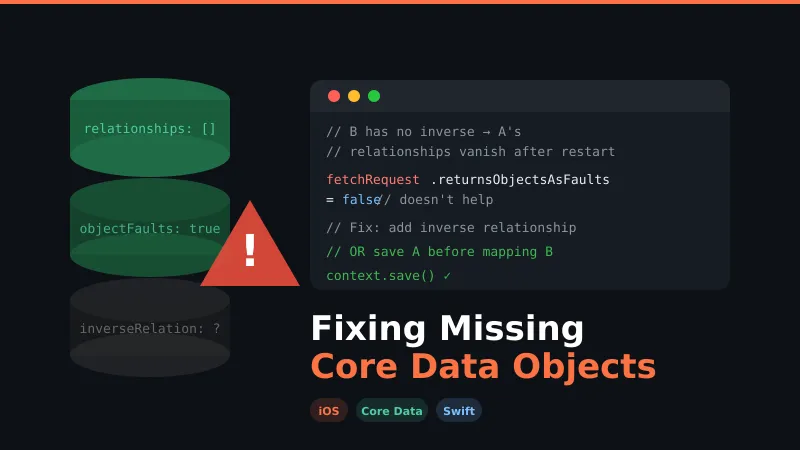
Fixing the Mysteriously Missing Core Data Objects
The below post helps you to identify and fix the mysteriously missing Core Data objects. I have also provided a link with a working project where I demonstrate how objects go missing and how it can be fixed.
Checklist for the solution below
- You are getting
<x-coredata: UDID; data: fault>, despite settingfetchRequest.returnsObjectsAsFaults = falseand saving the managed object context properly - Your objects and relationships are available on first run and go missing once you restart/relaunch the app — or sometimes a few objects and relationships are randomly available and start missing in subsequent runs
- You don’t have any other errors while saving the managed object context
- The objects are missing where you don’t have an inverse relationship, and Xcode is also indicating a warning about the missing inverse relationship
When Does It Happen
Most cases follow a similar pattern. Check if it suits your situation:
Ahas a one-to-many relationship withB.Bdoesn’t have any inverse relationship.B’s objects are inserted first and saved to the store.A’s objects are created in context,B’s objects are fetched and mapped toA.- When you save the context, it appears
Ais saved along with its relationship toB’s objects. - But when you fetch immediately from the store,
A’s relationship toBis missing and you cannot accessB’s objects fromA.
Solution
There are 2 solutions:
-
Bshould have an inverse relationship toA. (Recommended if possible.)(or)
-
Ensure that
A’s object is first saved to the store as soon as it’s created.- Now fetch
A’s object, map it to existingBobjects, and save it to the store. - When you fetch/refresh
A’s object, you will be able to accessB’s objects despite not having an inverse relationship.
- Now fetch
Projects in This Repo
There are 2 projects in my repo to demonstrate the above solution:
- OneToMany-NotWorking — demonstrates why it’s not working
- OneToMany-Working — demonstrates how to make it work
Citation
Please provide citation to this repo in Stack Overflow or wherever required.